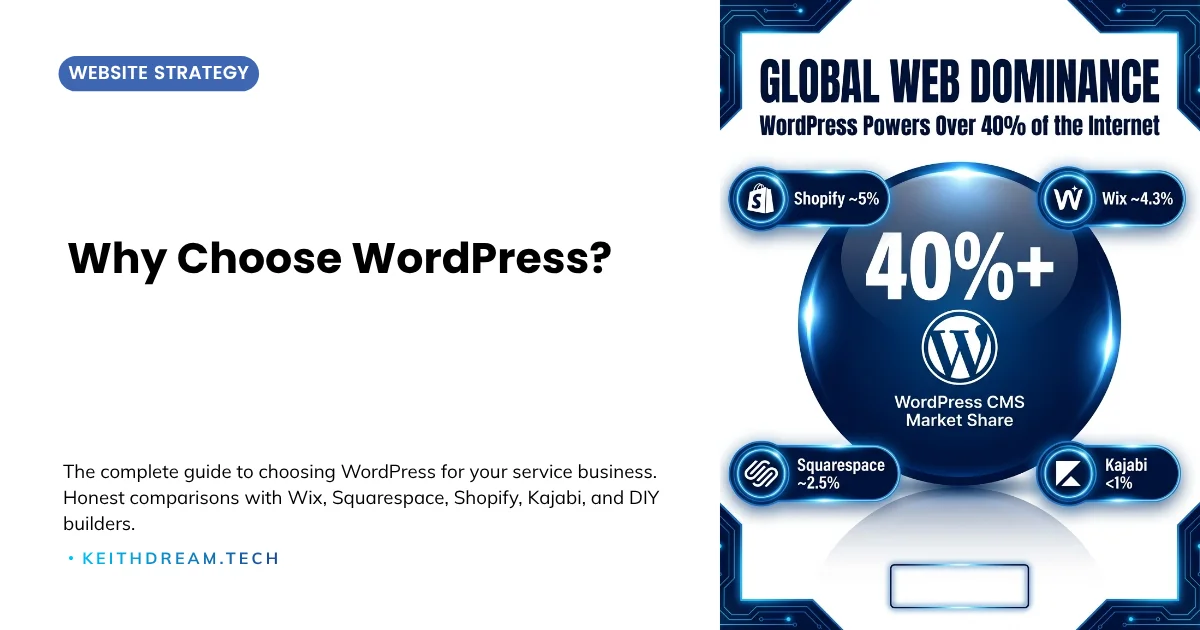
If you are a coach, consultant, or online educator trying to decide which website platform to build your business on, you have probably noticed something: there are too many options and not enough honest answers.
Every platform claims to be the best. Every comparison site has an affiliate angle. And every "unbiased review" seems to end with the same recommendation the author was always going to make.
This guide is different. I have been building websites for service professionals since 1997. I have worked with WordPress, Wix, Squarespace, Shopify, Kajabi, and dozens of other platforms across hundreds of projects. I recommend WordPress for most service-based businesses, and I am going to be transparent about why, including when it is not the right choice.
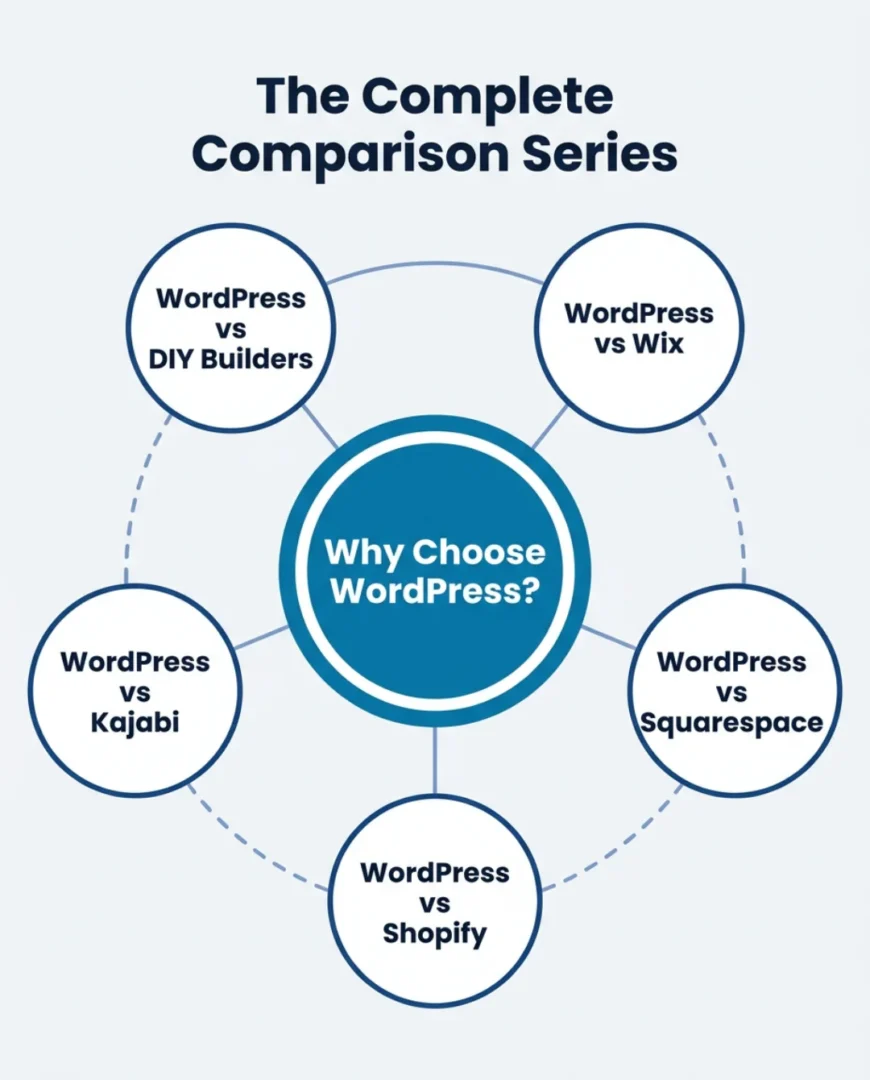
This is the hub of a five-part comparison series. Each spoke article dives deep into a specific platform matchup. This page gives you the big picture so you can find the comparison that matters most to your situation.
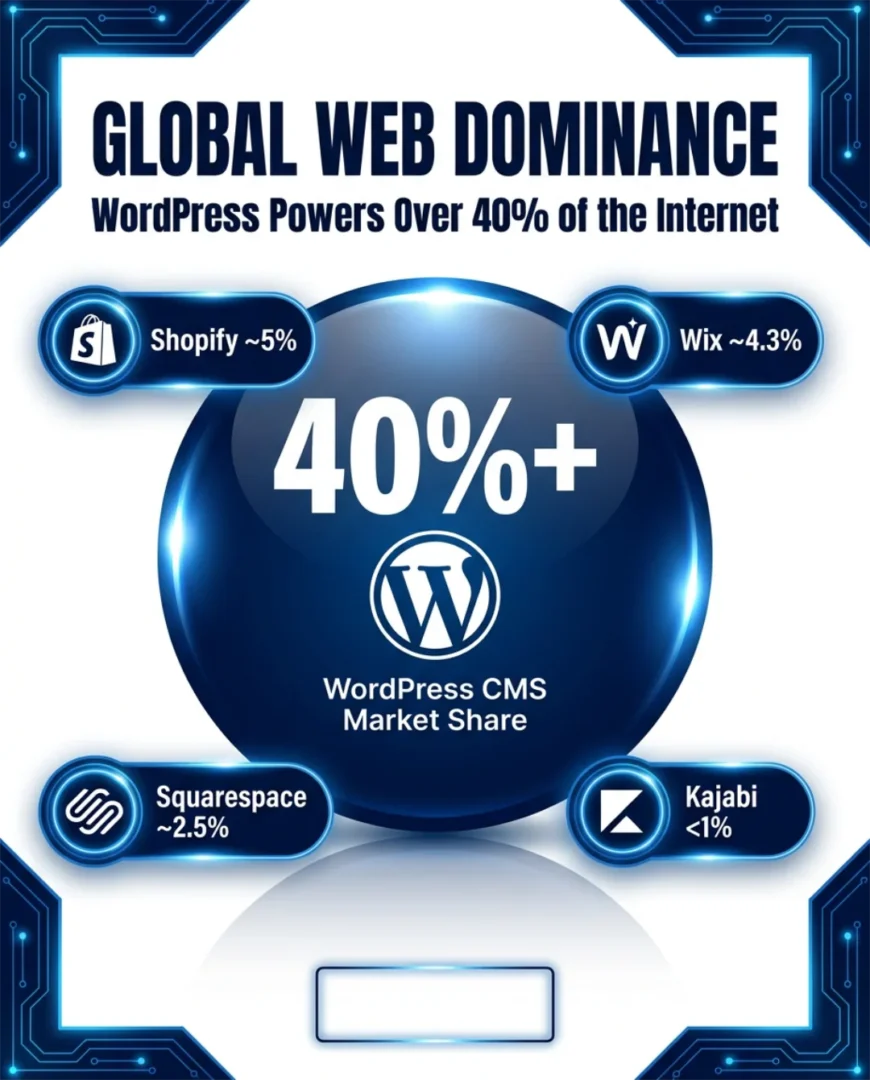
Why choose WordPress is the foundational question for any service professional building an online business. WordPress is an open-source CMS powering over 40% of all websites globally (W3Techs, June 2026) — the same platform used by solo coaches and Fortune 500 companies alike. Unlike closed platforms (Wix, Squarespace, Kajabi, Shopify), WordPress gives you full ownership of your site, unlimited extensibility through plugins, professional-grade SEO tools, and complete design freedom. No lock-in. No platform roulette.
In this guide, you'll find:
- The honest pros AND cons of WordPress (no affiliate spin)
- Five in-depth platform comparisons: Wix, Squarespace, Shopify, Kajabi, and DIY builders
- A quick decision framework to find the right platform for your business stage
- What a real WordPress setup looks like — and what it actually costs
Why This Question Matters More Than You Think
Your website platform is not just a technology decision. It is a business infrastructure decision that affects:
- How clients find you (SEO and search visibility)
- How clients perceive you (design and brand experience)
- What you can sell (courses, memberships, coaching packages, digital products)
- How much you pay (monthly costs, transaction fees, scaling expenses)
- Whether you own your business asset (data portability and platform independence)
Choosing the wrong platform is not catastrophic, but it is expensive. Rebuilding a website on a new platform costs time, money, and momentum. Making the right choice from the start (or recognizing when it is time to switch) saves all three.
The WordPress Advantage in 60 Seconds
WordPress powers over 40% of all websites on the internet (W3Techs). That market share is not an accident. Here is why it endures:
Full ownership. Your WordPress site lives on hosting you choose. You can move it, back it up, and modify it without asking anyone's permission. No platform lock-in, no surprise policy changes, no risk of a company's pivot disrupting your business.
Unlimited flexibility. Over 60,000 plugins extend WordPress to do virtually anything: course delivery, membership management, eCommerce, booking systems, CRM integrations, affiliate programs, advanced SEO, email marketing connections, and more. If a tool exists, WordPress can probably connect to it.
Professional-grade SEO. With plugins like Yoast SEO, SmartCrawl or Rank Math, you get control over every factor that search engines evaluate. Schema markup, XML sitemaps, redirect management, page speed optimization, and technical SEO are all within your reach. For service professionals who depend on organic search traffic, this is a meaningful competitive advantage.
Design freedom. Theme builders like Divi give you visual, drag-and-drop control over every element of your site. Your website can look and feel exactly like your brand, not like a template that thousands of other businesses are also using.
Cost-effectiveness at scale. WordPress hosting runs $10-$35/month. Add a premium theme and essential plugins, and you are looking at $25-$50/month total for a professional site with capabilities that would cost $100-$400/month on closed platforms.
The WordPress Reality Check
I would not be honest if I only talked about the advantages. Here is what you need to know:
The learning curve is real. WordPress requires more initial decisions than any drag-and-drop builder: hosting provider, theme, plugins, security configuration. It is not hard, but it is not hand-holding either.
Maintenance is your responsibility. Updates, backups, security monitoring, and performance optimization are part of WordPress ownership. Quality managed hosting handles most of this, but it is a factor to consider.
The paradox of choice. With thousands of themes and tens of thousands of plugins, decision fatigue is real. Having an experienced guide (or a solid care plan) makes a significant difference.
It is not the fastest path to "live." If you need a website this weekend with zero budget, a DIY builder will get you there faster. WordPress is a better foundation, but it takes more time to set up properly.
These are real trade-offs, and for some businesses, they tip the scales toward a simpler platform. But for most service professionals with real growth ambitions, the investment in WordPress pays dividends for years.
The Comparison Series: Find Your Matchup
Each spoke article provides an in-depth, honest comparison between WordPress and a specific alternative. Keep reading to find the one that matches the platform you are currently using or considering:
WordPress vs Wix
Best for: Service professionals currently on Wix or considering it as a "quick and easy" option
Wix is the most popular drag-and-drop builder for a reason: it is genuinely easy to start with. But the gap between "easy to start" and "built to grow" matters. This comparison covers design flexibility, SEO capabilities, cost at scale, and the critical issue of data portability that most Wix users don't think about until it is too late.
Key takeaway: Wix is great for getting online quickly. WordPress is the platform for building a business online.
Coming soon: Read the full comparison: WordPress vs Wix →
WordPress vs Squarespace
Best for: Brand-conscious professionals attracted to Squarespace's design reputation
Squarespace templates are beautiful. But "beautiful" and "effective for business growth" are different things. This comparison examines design depth, SEO capabilities, eCommerce features (including Squarespace's transaction fees, which start at 2% on the Basic plan and apply on top of payment processing fees), and why looking like every other Squarespace site is a subtle but real disadvantage for service professionals.
Key takeaway: Squarespace wins on quick, effortless beauty. WordPress wins on business depth and long-term flexibility.
Coming soon: Read the full comparison: WordPress vs Squarespace →
WordPress vs Shopify
Best for: Service professionals who also sell products, or who mistakenly chose Shopify for course/service sales
Shopify holds about 5% of all websites globally — making it the second-largest CMS platform after WordPress — and it is the undisputed champion of product eCommerce. But if your business is built on expertise (coaching, courses, memberships, strategy), Shopify's store-first architecture works against you. This comparison covers blogging, SEO, course delivery, and why the "all-in-one eCommerce" pitch does not apply to service businesses.
Key takeaway: Shopify is built for selling products. WordPress is built for building a business around expertise.
Coming soon: Read the full comparison: WordPress vs Shopify →
WordPress vs Kajabi
Best for: Course creators and coaches evaluating all-in-one platforms
Kajabi promises everything under one roof, and it delivers much of it at $143-$399/month. But the WordPress ecosystem, particularly when paired with ThriveCart and ThriveAcademy, offers comparable or better functionality at roughly half the cost. This comparison covers course delivery, community features, email marketing, affiliate management, and a detailed cost breakdown.
Key takeaway: Kajabi's convenience comes at a premium. WordPress + ThriveCart + ThriveAcademy delivers more power and flexibility for less.
Coming soon: Read the full comparison: WordPress vs Kajabi →
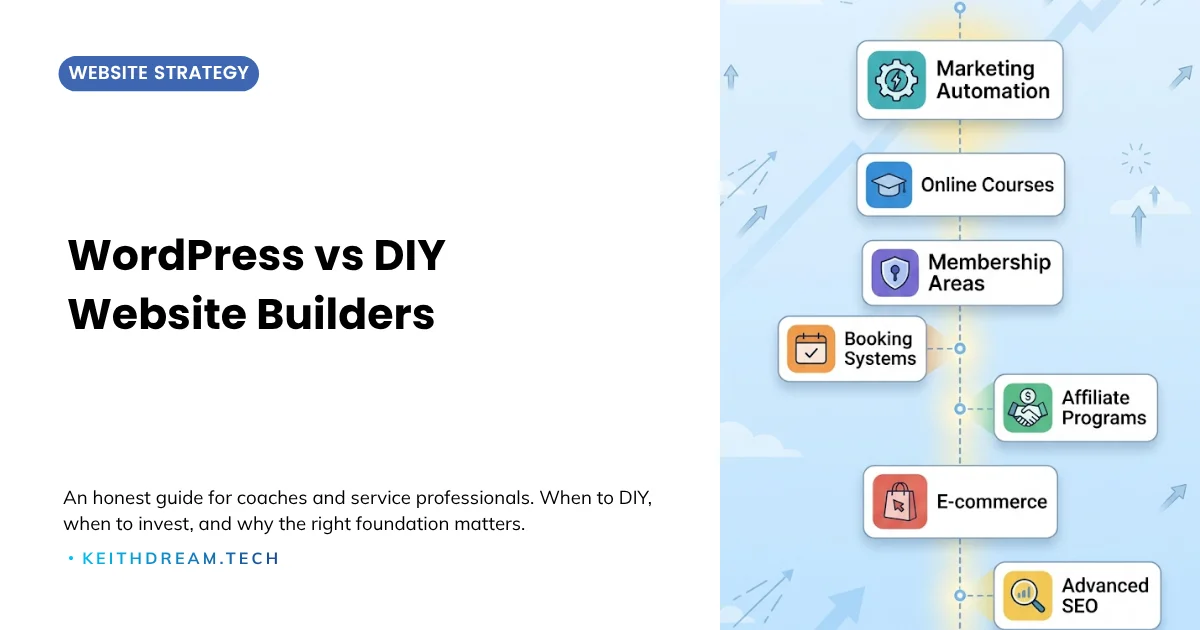
WordPress vs DIY Website Builders (The Big Picture)
Best for: Anyone evaluating multiple builders or wondering "should I just build it myself?"
This meta-comparison examines the patterns that apply across all DIY platforms: Wix, Squarespace, Weebly, GoDaddy, and others. It covers the hidden cost of "free," the feature ceiling every builder hits, the time cost for service professionals, and how to know when it is time to graduate to WordPress.
Key takeaway: DIY builders are tools for getting online. WordPress is a platform for building a business online.
Read the full comparison: WordPress vs DIY Builders →
The Quick Decision Framework
Still not sure? Here is a simple framework:
Stay with (or choose) a DIY builder if:
- Your website is a simple brochure with no growth plans
- You are pre-revenue and testing a business idea
- You need something live this weekend with zero budget
- You will never sell courses, memberships, or digital products
Choose WordPress if:
- Your website is a business tool that needs to generate leads and revenue
- You sell (or plan to sell) courses, coaching packages, or memberships
- SEO and organic search are part of your growth strategy
- You want full ownership and control over your online presence
- Long-term cost-effectiveness matters more than the lowest starting price
Choose Shopify if:
- Your primary business is physical product retail with inventory and shipping
- You need POS integration for a physical store
- Content marketing is secondary to your eCommerce operations

💡 Ready to build on the right foundation? The QuickStart WordPress setup for service professionals gets you a clean, optimized, conversion-ready site in weeks — not months.
What a WordPress Setup Actually Looks Like
For service professionals ready to build on WordPress, here is what a professional setup typically includes:
- Managed hosting on a quality provider (WPMU DEV, WP Engine, Cloudways, or similar) for reliable performance, security, and support
- Professional theme like Divi for visual page building and design flexibility
- Essential plugins for SEO (Yoast or Rank Math), security, caching, forms, and backups
- Commerce tools like ThriveCart for high-converting checkout and course delivery
- Email integration with your preferred platform (MailerLite, ActiveCampaign, ConvertKit)
- Design and content that reflects your brand and serves your ideal clients
The initial setup takes 2-4 weeks with professional help. After that, day-to-day content management on WordPress with Divi is comparable in difficulty to any drag-and-drop builder.
The Bottom Line
Choosing a website platform is one of the most consequential technology decisions a service professional makes. It affects your visibility, your revenue, your client experience, and your long-term flexibility.
WordPress is not perfect. It requires more investment upfront and more responsibility for maintenance. But for coaches, consultants, and online educators building a real business around their expertise, it provides the ownership, flexibility, SEO power, and scalability that closed platforms cannot match.
The right foundation makes everything else easier. WordPress is that foundation. And if you're ready to build yours, here's how to get started.
Before You Decide (FAQs)
Is WordPress really better than everything else?
Not for every situation. Shopify is better for pure product retail. A simple DIY builder is fine for a hobby site or business card page. But for service-based businesses with growth ambitions, WordPress offers the strongest combination of flexibility, SEO, and long-term value.
How much does a WordPress website cost?
Ongoing costs run $25–$50/month for hosting, theme, and essential plugins. Professional setup costs vary based on scope, from focused QuickStart packages to full custom website designs. The total cost of ownership over 3-5 years is typically lower than closed platforms like Kajabi or Squarespace Commerce.
Can I manage WordPress myself after setup?
Yes. With a visual builder like Divi, publishing content, updating pages, and managing basic features is straightforward. Many business owners handle their own content while keeping a care plan for technical maintenance, updates, and support.
What is a care plan?
A WordPress care plan handles the technical side: updates, backups, security monitoring, performance optimization, and technical support. It is like having an IT department for your website. Prices typically range from $50-$200/month depending on the level of support.
I am already on another platform. Is it worth switching?
It depends on where your business is headed. If you are hitting feature limitations, paying premium prices for basic capabilities, or losing search visibility to competitors, the investment in migrating to WordPress typically pays for itself within 6-12 months through better performance and lower ongoing costs.




0 Comments